
Data Center Architecture
Turn workload requirements into a physical system that can operate, be maintained, and grow.
Architecture is the translation layer between the workload and infrastructure. It converts density, power, cooling, network, resilience, and operating requirements into a physical system that can actually deliver usable capacity.
Design from the workload outward, not from the building inward.
Data Center Architecture Problems Rarely Begin With the Building
They begin when workload assumptions collide with the physical system that has to support them.
Density Is Moving
New GPU generations can push rack density beyond the electrical and thermal assumptions the facility was designed around.
The Existing Facility Cannot Support AI
Legacy power, cooling, floor loading, or pathway constraints can make nominal space unusable for the intended compute.
The Cooling Path Is Uncertain
The workload may move from air to liquid cooling before the final compute configuration is fully known.
Power Exists, but Distribution Does Not Fit
Capacity may exist at the site while voltage, redundancy, distribution, or rack delivery do not match what the workload requires.
Resilience Drives Complexity
Availability targets create shared dependencies, maintenance constraints, and common-mode risks that architecture must make explicit.
Future Capacity Has No Physical Path Yet
Additional load is expected, but the electrical, thermal, network, structural, and service pathways required to support it have not yet been reserved.
Requirements Become Physical Here
Every workload assumption ultimately becomes a pathway, boundary, interface, or operating requirement. Architecture is where those requirements are forced to work together.
Workload
Rack density, compute configuration, cooling demand, network behavior, availability and growth assumptions.
Electrical
Source, transformation, protection, distribution, backup and the final path to the rack.
Thermal
Heat capture, transport, cooling plant, water or refrigerant loops, and heat rejection.
Network
Carrier entry, campus fiber, meet-me, spine/leaf architecture, latency and the path to the workload.
Operations
Fault domains, maintenance boundaries, controls, observability, access and serviceability.
Start With What the Workload Actually Requires
Architecture should begin with the operating envelope of the compute, not with a preferred building type. The more uncertain the final hardware state, the more important it is to define ranges, interfaces, and change paths deliberately.
Rack Density
How much power and heat must be handled at the rack, row, hall and capacity-block level.
Compute Configuration
GPU platform, rack design, utilization profile and hardware assumptions that define the operating envelope.
Cooling Method
Air, direct-to-chip liquid, rear-door, hybrid or other approaches and the temperatures, flows and redundancy they require.
Network Topology
Bandwidth, latency, fabric, carrier and physical pathway requirements that must reach the workload.
Availability + Resilience
What must remain online, what may fail together, and how maintenance occurs without creating unacceptable risk.
Future Capacity Range
Expected additional rack load, credible density ranges, and the physical pathways that become difficult, expensive, or disruptive to add after the facility is operating.
Capacity Has to Reach the Workload
Nameplate capacity only matters when the physical pathways can deliver it to productive compute. Power, heat removal, and data have to remain aligned all the way to the rack.
POWER IN
Source → transformation → protection → distribution → rack
HEAT OUT
Chip / rack → thermal loop or air path → plant → heat rejection
DATA THROUGH
Carrier → campus entry → network fabric → workload
A bottleneck anywhere in the path can strand capacity everywhere else.
What Shares Infrastructure Determines What Shares Risk
Topology defines which loads fail together, which systems can be maintained independently, and whether the next capacity block can be added without destabilizing the first.
Capacity Blocks
Define repeatable units of power, cooling, network and compute that can be operated and expanded coherently.
Fault Domains
Make explicit which loads and systems share dependencies and therefore can fail together.
Redundancy Strategy
Place redundancy where it protects the workload rather than simply multiplying equipment.
Common-Mode Risk
Identify shared switchgear, cooling loops, controls, pathways and other dependencies that can defeat nominal redundancy.
Maintenance Boundaries
Create serviceable zones and bypass paths so equipment can be maintained without exposing unrelated workload.
Diverse Pathways
Use physical and functional diversity where it materially reduces risk and preserves operability.
What the Architecture Must Be Able to Do
A credible architecture must turn the workload envelope into usable rack capacity while preserving operability, maintainability, and the physical pathways required to support future capacity.
Translate the Workload
Convert density, cooling, network, availability and growth requirements into explicit physical design criteria.
Deliver Capacity to the Rack
Ensure power, cooling and network capacity can reach the workload in the form and sequence it actually needs.
Support Density and Thermal Change
Accommodate credible density ranges and cooling transitions without forcing wholesale redesign.
Isolate Faults and Stay Maintainable
Create clear fault domains, maintenance boundaries, redundancy and service paths.
Establish Usable Interfaces
Define electrical, thermal, network, controls and physical interfaces that allow layers to evolve without breaking one another.
Reserve Hard-to-Add Pathways
Reserve electrical, thermal, network, structural, and service pathways that become expensive or disruptive to add after the facility is operating.
From Source to Workload
A workable architecture is a connected physical path from incoming capacity to productive compute, with power, cooling, data, fault boundaries, maintenance access, and future capacity pathways designed as one operating system.
1. SOURCE + SITE
Utility or on-site supply
Substation / transformation
Campus distribution
2. ELECTRICAL PATH
Switchgear / protection
UPS or ride-through
Distribution to capacity blocks
3. THERMAL PATH
Heat capture
Cooling distribution
Plant and heat rejection
4. DATA HALL + RACK
Network fabric
Rack power + cooling
Productive compute
5. OPERATE + ADD CAPACITY
Fault isolation
Maintenance access
Connect the next capacity block through reserved pathways
POWER IN
Capacity enters, is transformed, protected and delivered to the rack.
HEAT OUT
Heat is captured, transported and rejected without constraining density.
DATA THROUGH
Connectivity reaches the workload through deliberate physical and logical pathways.
Architecture Determines the Shape of Usable Capacity
The same nominal site capacity can produce very different operating outcomes depending on how the physical system is organized.
Usable Capacity Is the Real Capacity
Megawatts, cooling tons, floor area, and network bandwidth only create value when they can all reach the workload together.
Density Moves the Bottleneck
Higher rack density can shift the limiting constraint from site power to internal distribution, cooling, network, maintenance, or physical pathways.
Boundaries Create Resilience
Redundancy matters, but fault domains, maintenance boundaries, and common-mode dependencies determine what actually remains available.
Hard-to-Add Pathways Must Be Reserved Early
Electrical, thermal, network, structural, and service pathways are easiest to reserve before operating infrastructure makes them costly or disruptive to add.
Design the Path to the Rack, Not Just the Building
The architecture should turn workload requirements into usable rack capacity through deliberate power, thermal, network, resilience, maintenance, and future-capacity pathways. The objective is not simply to construct a facility, but to create a physical system that can operate and accept additional capacity without reopening foundational pathways.
The objective is not simply to construct a facility. It is to create a physical system that can deliver power, remove heat, move data, isolate faults, be maintained, and accept additional capacity through deliberate pathways and interfaces.
Data Center Architecture Insights
Continue into the architecture decisions shaping density, power delivery, cooling, resilience, topology, and expansion.
- Power for AI
- AI Infrastructure
- Data Center Architecture
Keep Following the Decision
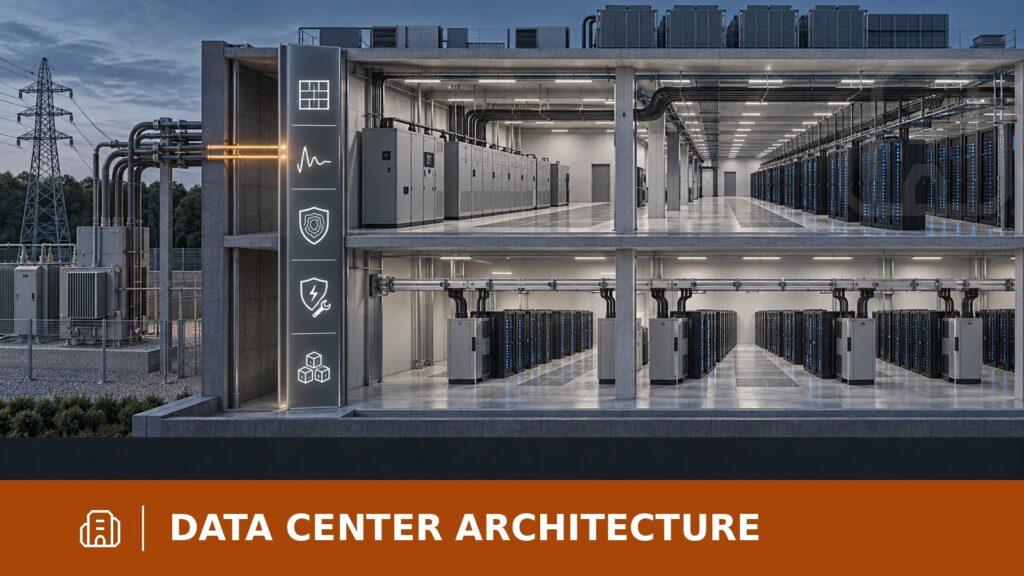
Data center architecture sits between workload requirements and the systems that make them operable. Continue into the decisions that most directly shape the architecture.
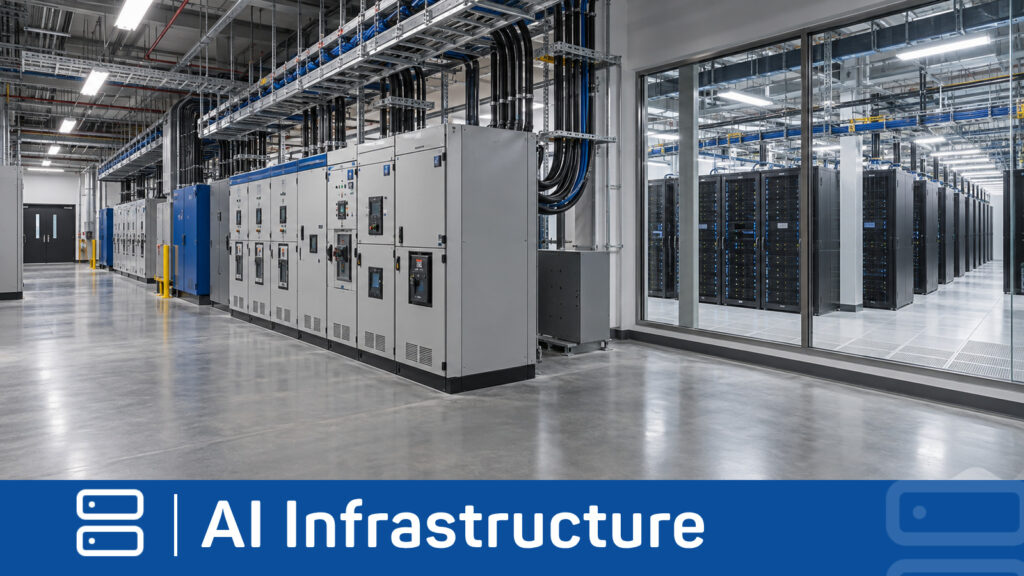
AI Infrastructure
Defines the workload, density, compute, network, and system requirements the architecture must support.
Explore AI Infrastructure »
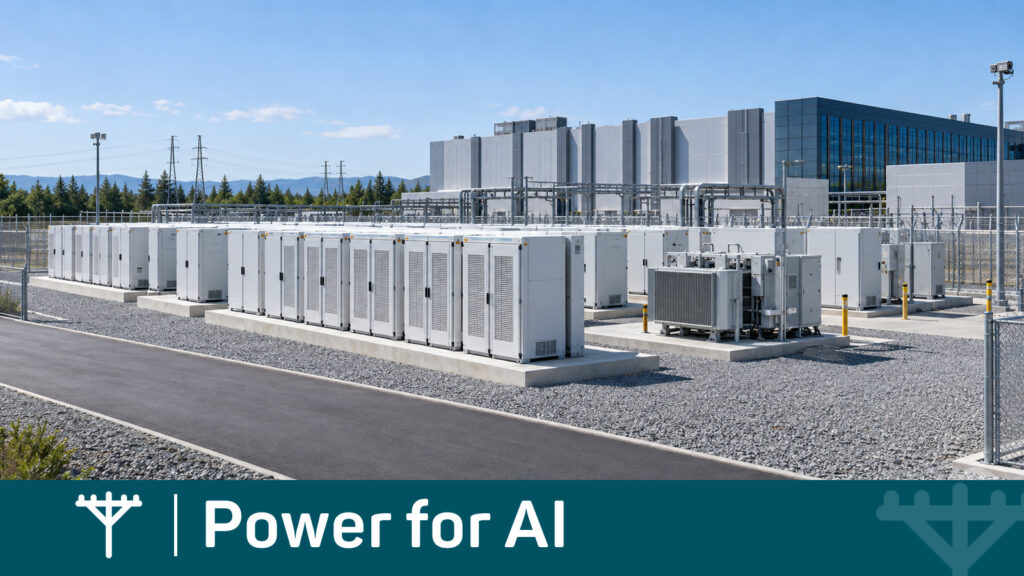
Power for AI
Determines the source, timing, quality, and usable-power envelope the architecture must receive and distribute.
Explore Power for AI »
Adaptive Infrastructure
Addresses which interfaces and infrastructure layers must remain changeable as density, technology, and capacity requirements evolve.
Explore Adaptive Infrastructure »
Explore Your Data Center Architecture
Use the AI Advisor to explore site, power, cooling, density, topology, phasing, and expansion decisions in context or use the Technical Library to investigate related technical questions.
Ask the AI Advisor
Explore your infrastructure questions in context and identify the constraints, dependencies, risks, and decisions that deserve attention next.
Start Exploring »
Technical Library
Explore technical explanations, decision frameworks, and reference material behind AI infrastructure choices.
Explore the Technical Library
CONTINUE YOUR INFRASTRUCTURE DECISION
Technical guidance for AI infrastructure decisions
Explore the seven Decision Areas